
Payment process
The payment process
Step 1: Select the product you want to purchase and click to enter the product information page. On the product details page, choose the color, model, size, and quantity of the product. Make sure everything is correct and click "Buy Now"
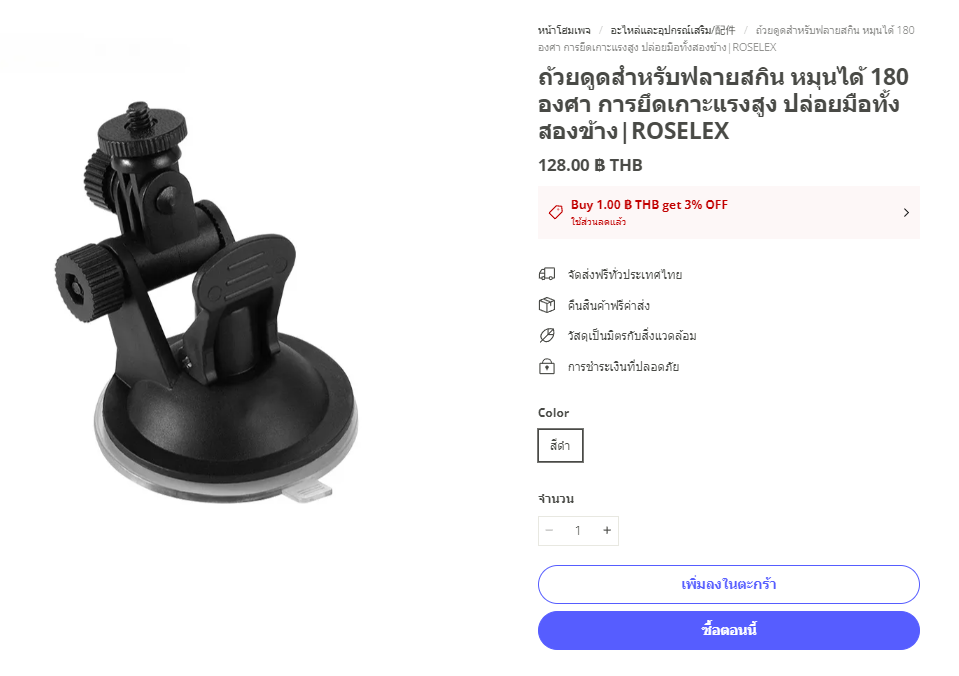
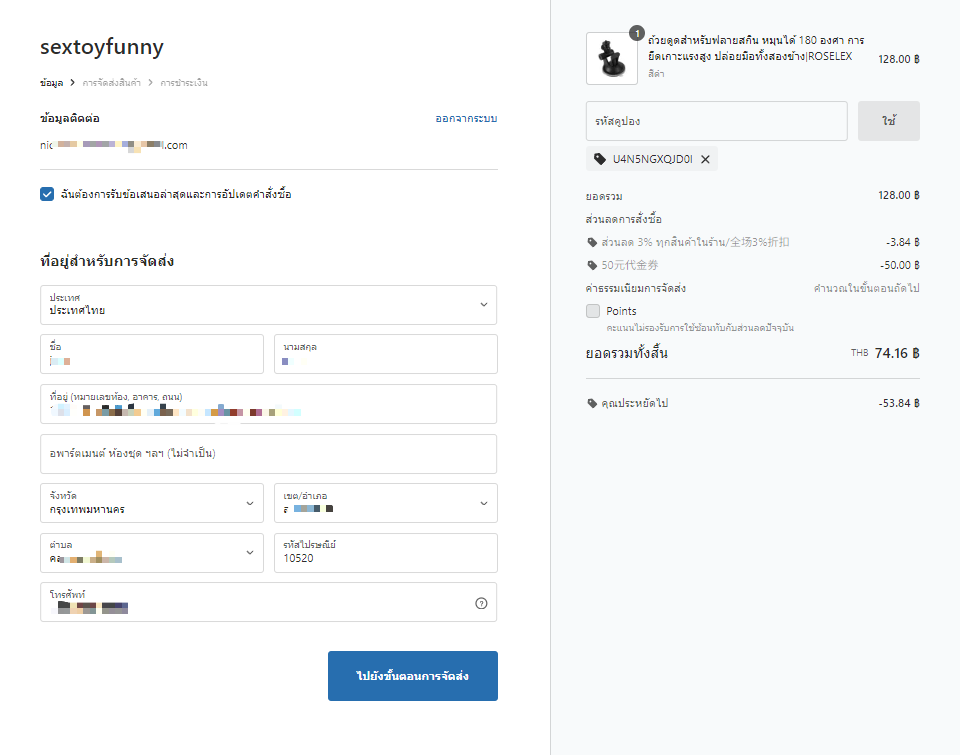
Step 2: Enter the information page. Fill in your personal information, including email, first and last name, shipping address, postal code, and phone number. If you have a coupon code, you can enter it in this section to receive a discount. After filling in the information, click "Proceed to Shipping Step"
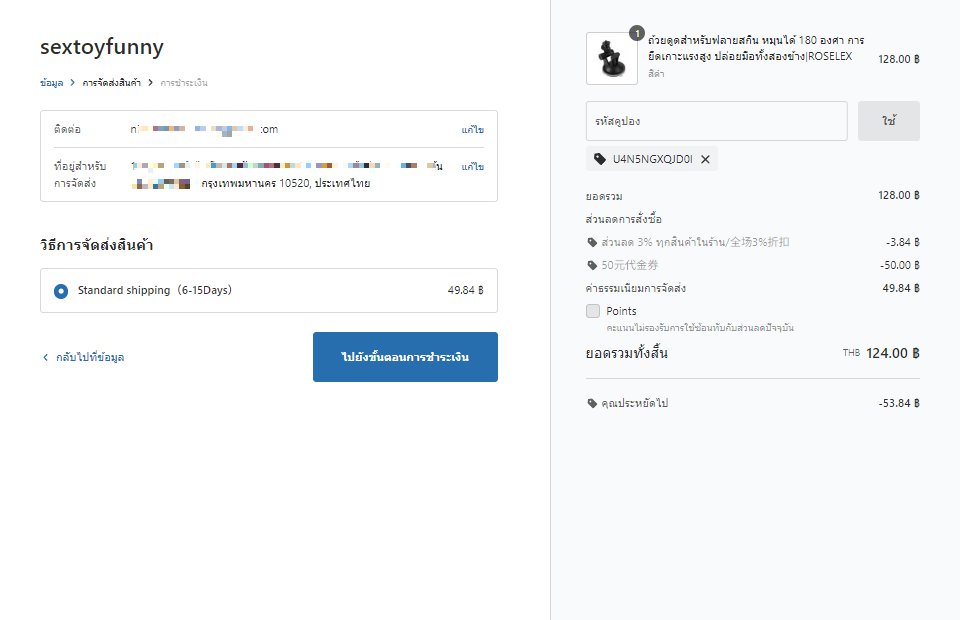
Step 3: Choose the shipping method. Once selected, click "Proceed to Payment Step"
Step 4: Choose the payment method and fill in the credit card information as required
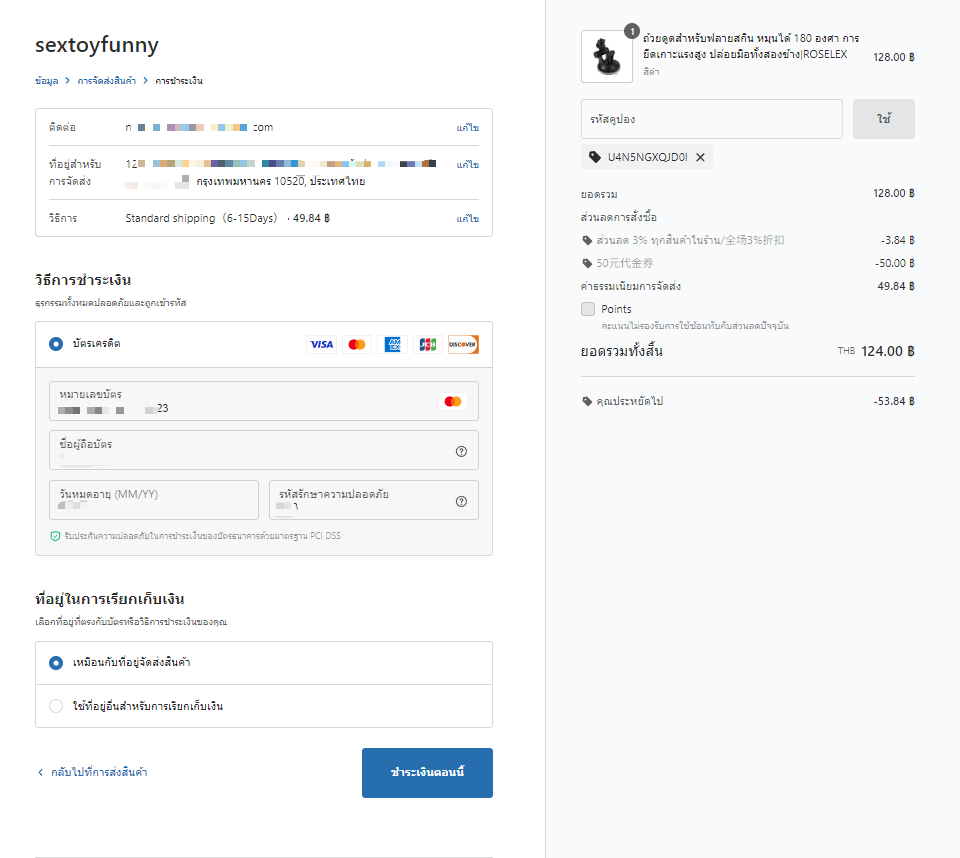
Then click the "Pay Now" button. The following window will appear
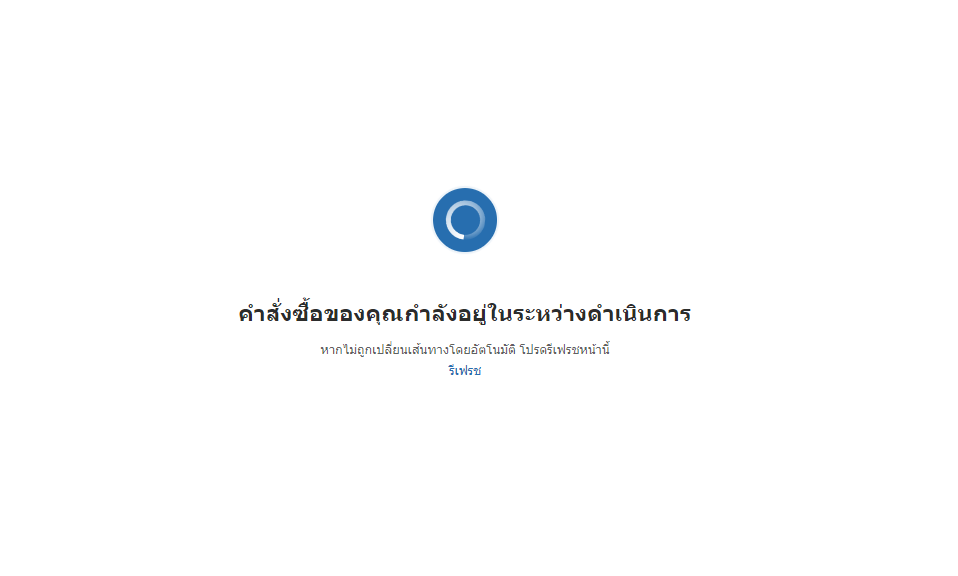
Please wait a moment. The system is processing to the next page, indicating that the payment has been successful
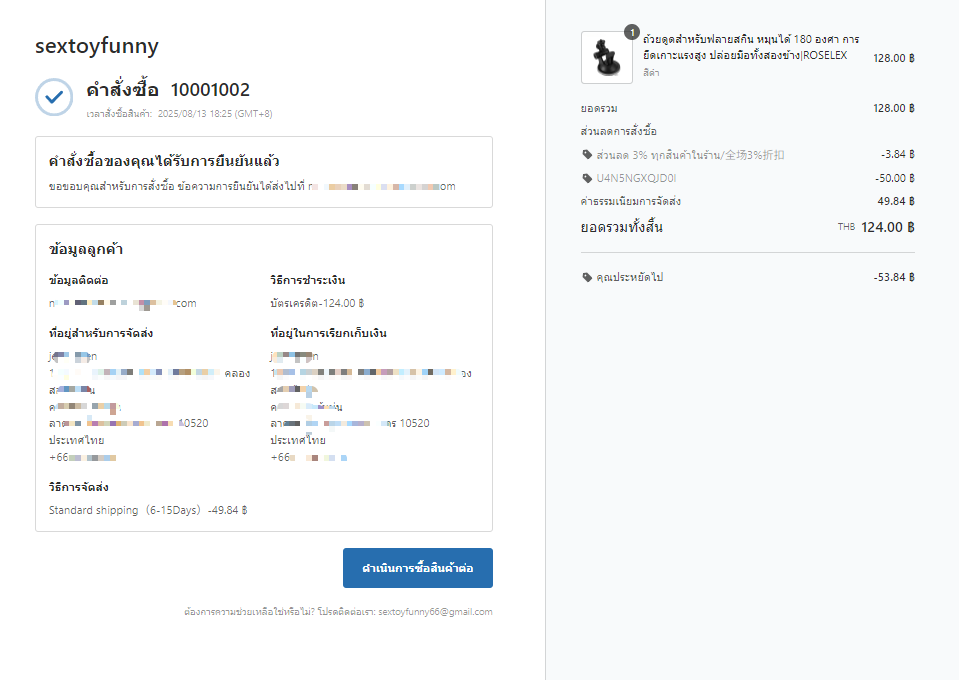
After the payment is successful, you will receive an order confirmation email in your inbox. In some cases, the email may not be found in the main inbox due to different email provider policies. Some services may store emails from new senders in the spam folder. Please check your spam folder. In the email we send, there will be a message "This is not spam" for you to mark. This is important as we will send notifications to your email at every critical step, such as shipping, order status updates, and more. Marking "This is not spam" will help prevent our emails from going to the spam folder again
The mobile payment process will be exactly the same as on the computer
This is a description of the payment process. If you have any questions, please contact us, and we will respond within 24 hours. You can reach us through the following channels:
Live chat with Sextoyfunny.com
Line biz: @sextoyfunny
Email: sextoyfunny66@gmail.com